Everything you need to know to get started, master the controls, ace the quizzes, and level up your poker game.
From launch to your first hand in three taps.
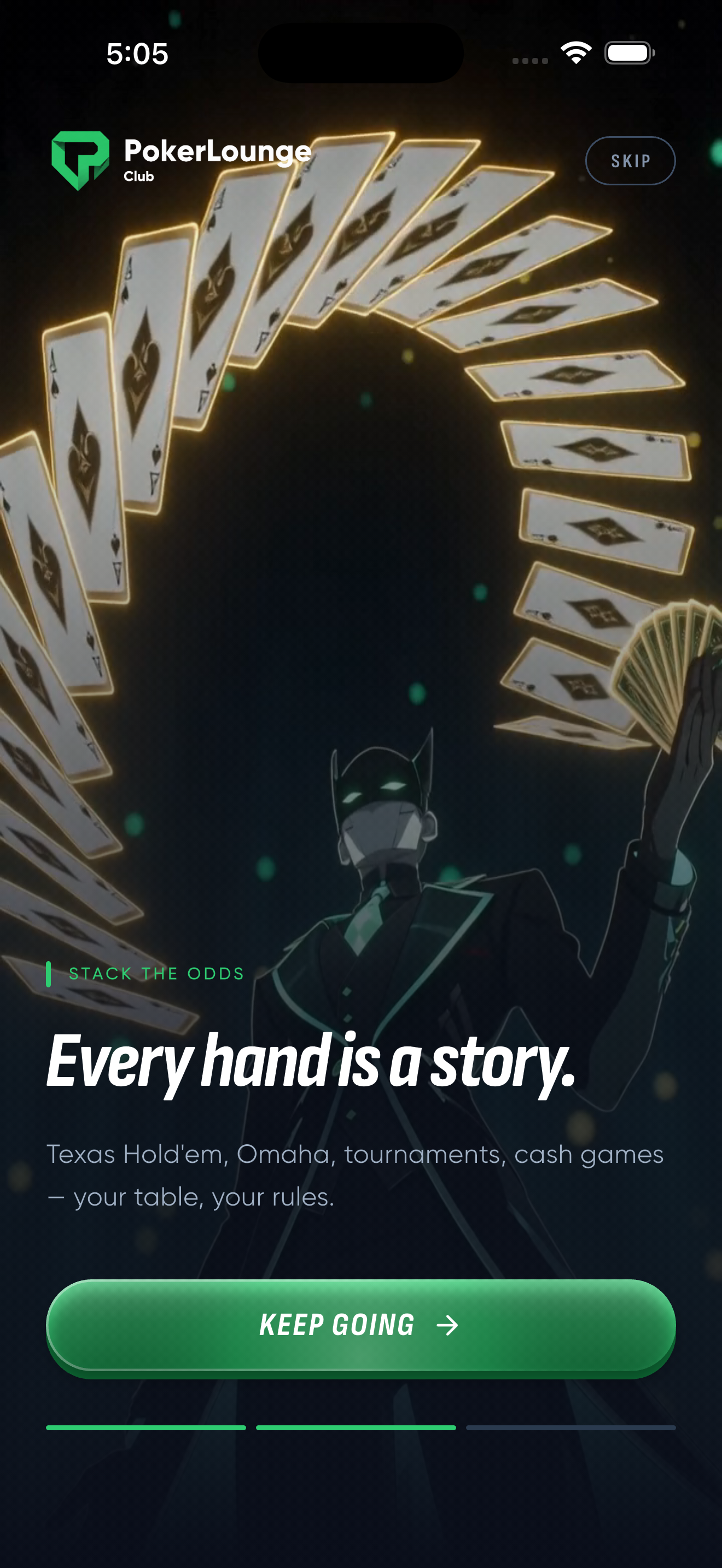
Launch the app and tap through the onboarding slides. You will see the cinematic intro featuring The Dealer and the poker universe theme. Tap Deal Me In to get started.
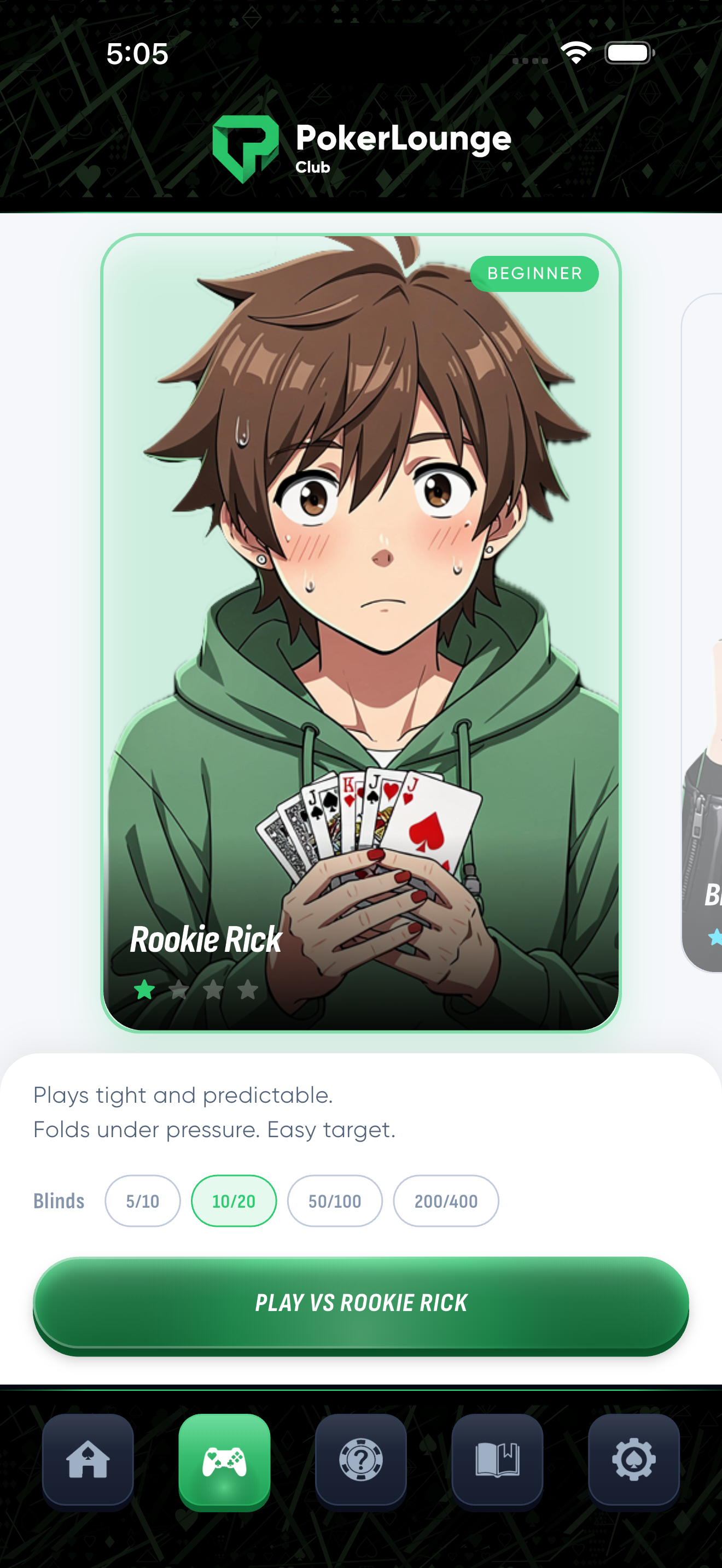
From the home screen, tap Play Now under Texas Hold'em. Swipe through the four AI bots and choose your opponent. Each bot has a difficulty badge and a short description of their play style.
Below the bot card, choose your blind level. Available options:
Start with 10/20 blinds if you are new. Both players start with 1,000 chips.
Hit the green Play vs [Bot Name] button at the bottom of the screen. The table loads, cards are dealt, and you are in the game.
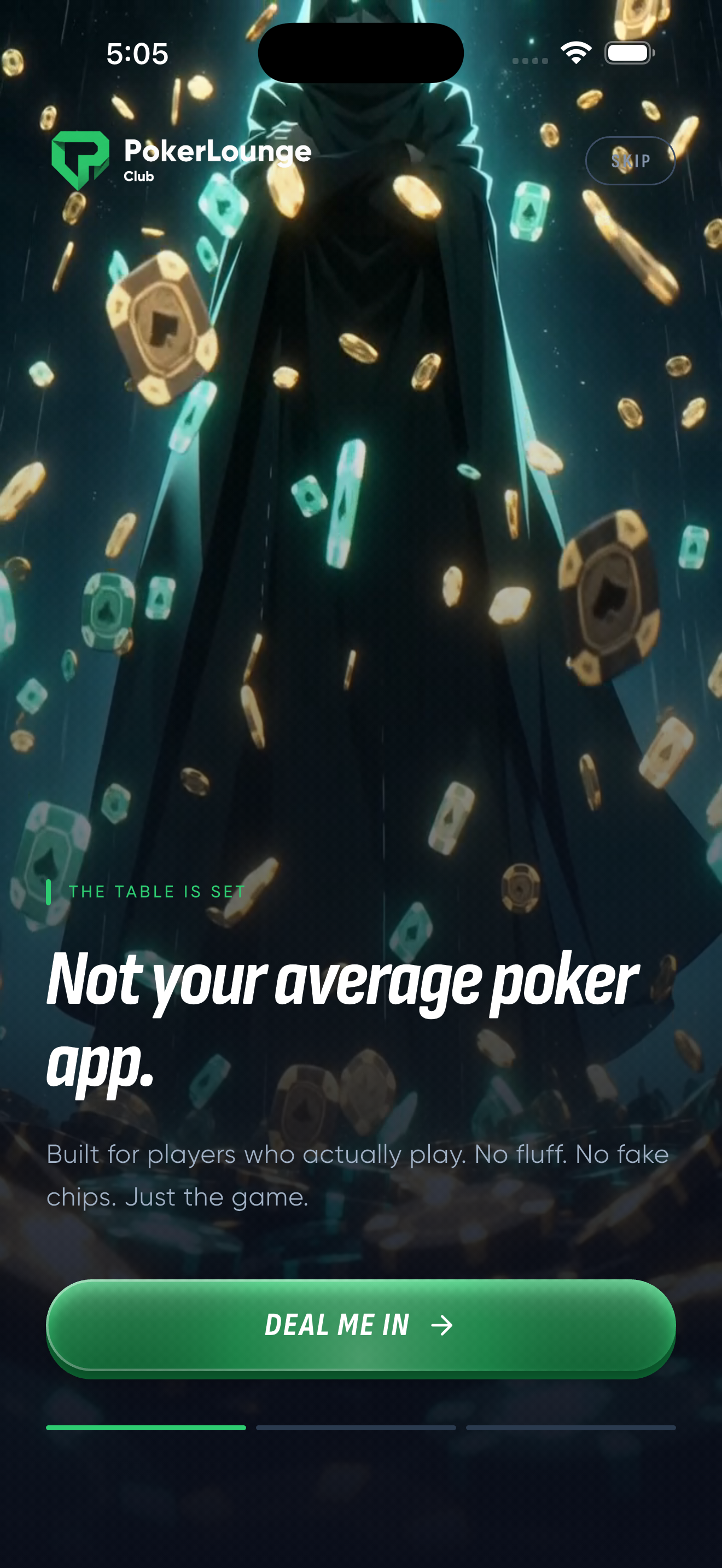
Onboarding and bot selection
Four buttons. That is all you need.
Game modes and in-game controls
Surrender your hand and sit out until the next deal. You lose any chips you have already put in the pot. Use this when your hand is weak and the bet is too high.
Check passes the action to the next player without betting. Only available when no one has bet in the current round. Call matches the current bet to stay in the hand. The button shows the exact amount, for example CALL 10.
Increase the bet and put pressure on your opponent. Tap Raise, then use the slider or preset amounts to choose your raise size. A bigger raise signals strength (or a bluff).
Tip: The action buttons appear at the bottom of the screen only when it is your turn. Watch the bot play first, then make your move.
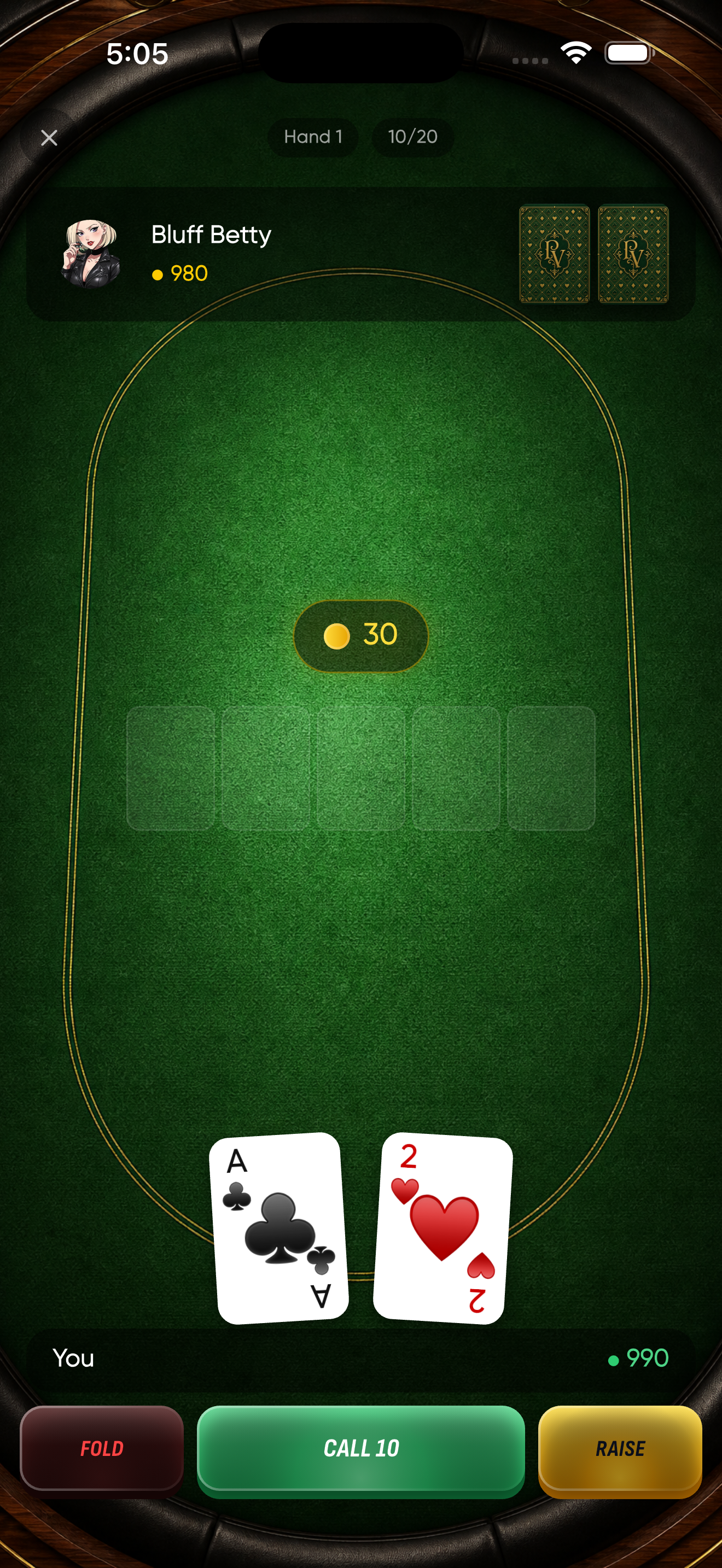
Know what every element means at a glance.
Shows the hand number (e.g. Hand 1) and the current blind level (e.g. 10/20). The close button in the top-left corner exits the game.
Your opponent sits at the top of the table. You can see their avatar, name, and chip count (shown with a green chip icon). Their two hole cards appear face-down until showdown.
Five card slots sit in the middle of the felt. Cards appear progressively: three on the flop, one on the turn, and one on the river. Empty slots are shown as faint outlines until dealt.
The gold chip icon above the community cards displays the total pot size. This is the combined amount both players have bet in the current hand. The number updates live after each action.
Your two hole cards are shown face-up at the bottom, along with your name and chip count. These are private to you. Combine them with the community cards to make the best five-card hand.
Three buttons span the bottom: FOLD on the left, CHECK/CALL in the center, and RAISE on the right. They only appear when it is your turn to act.
The poker table in action
250+ questions across four categories. Test your knowledge daily.
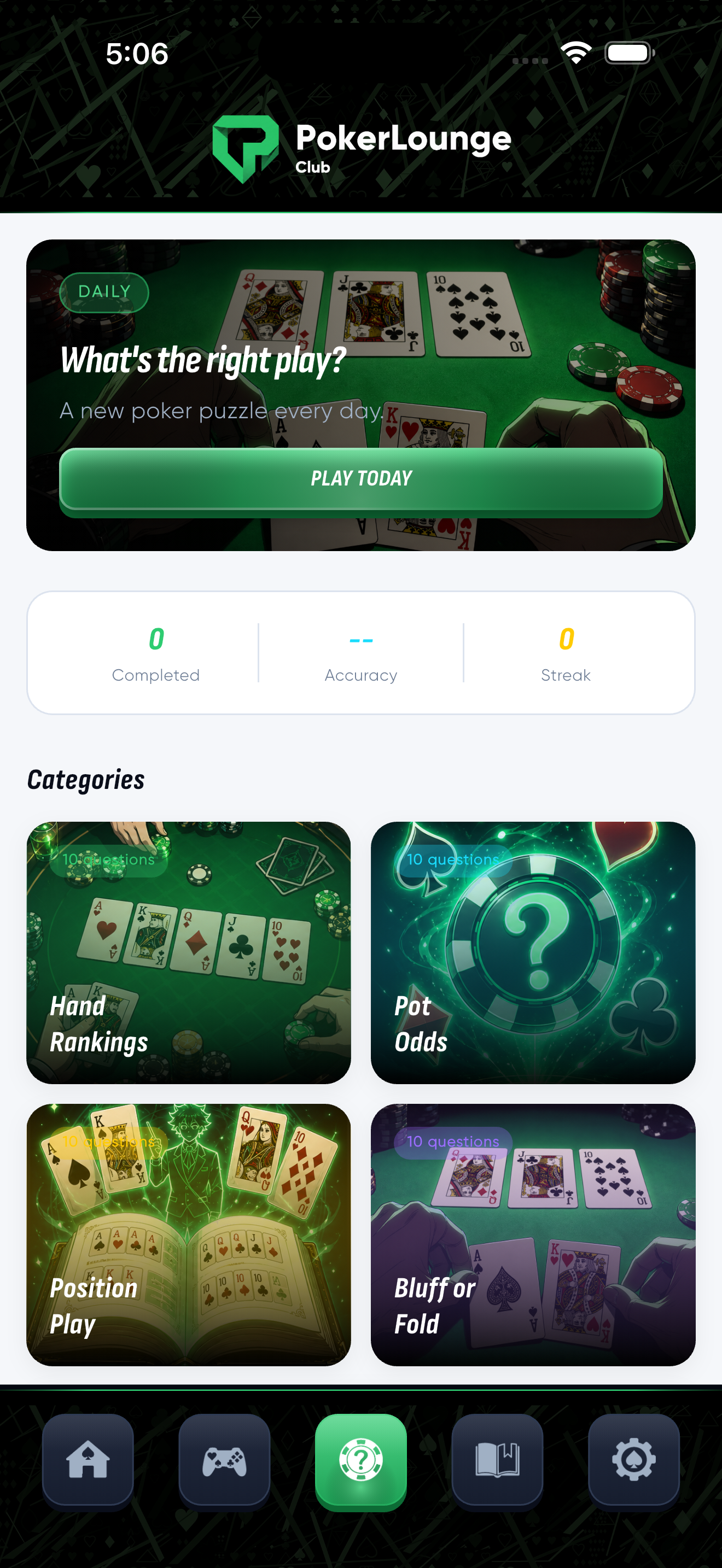
Quiz hub with daily challenge
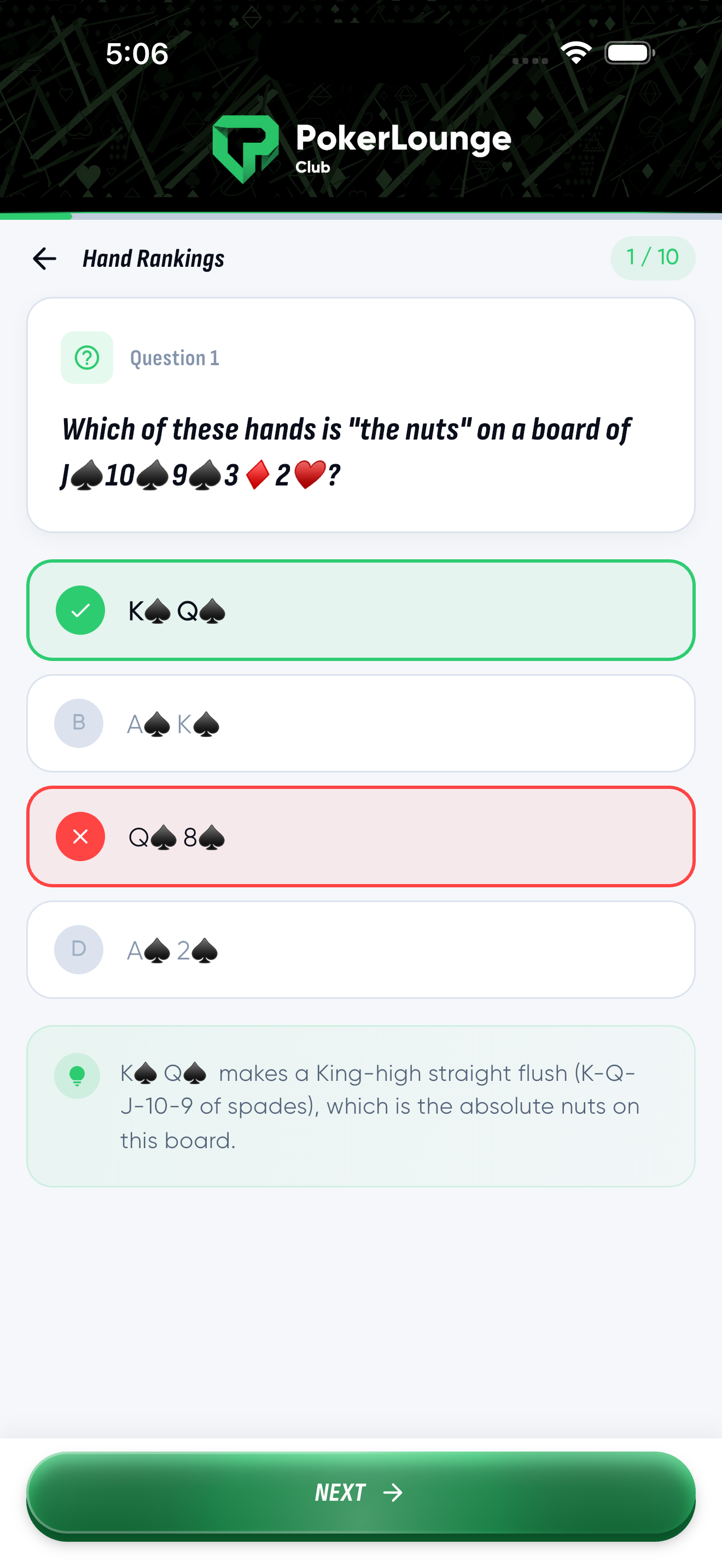
Multiple-choice with explanation
A new poker puzzle every day
The green banner at the top of the Quiz tab shows today's challenge. Tap Play Today to take on a fresh scenario-based question. Build your streak by playing every day.
Below the daily challenge, your stats track three metrics:
0
Completed
--
Accuracy
0
Streak
Questions are organized into four focused categories. Each contains 10 questions per set:
Know which hand beats which, from high card to royal flush.
Calculate whether calling is profitable based on the pot and bet sizes.
Understand early, middle, and late position strategy.
Identify the right moments to bluff and when to lay it down.
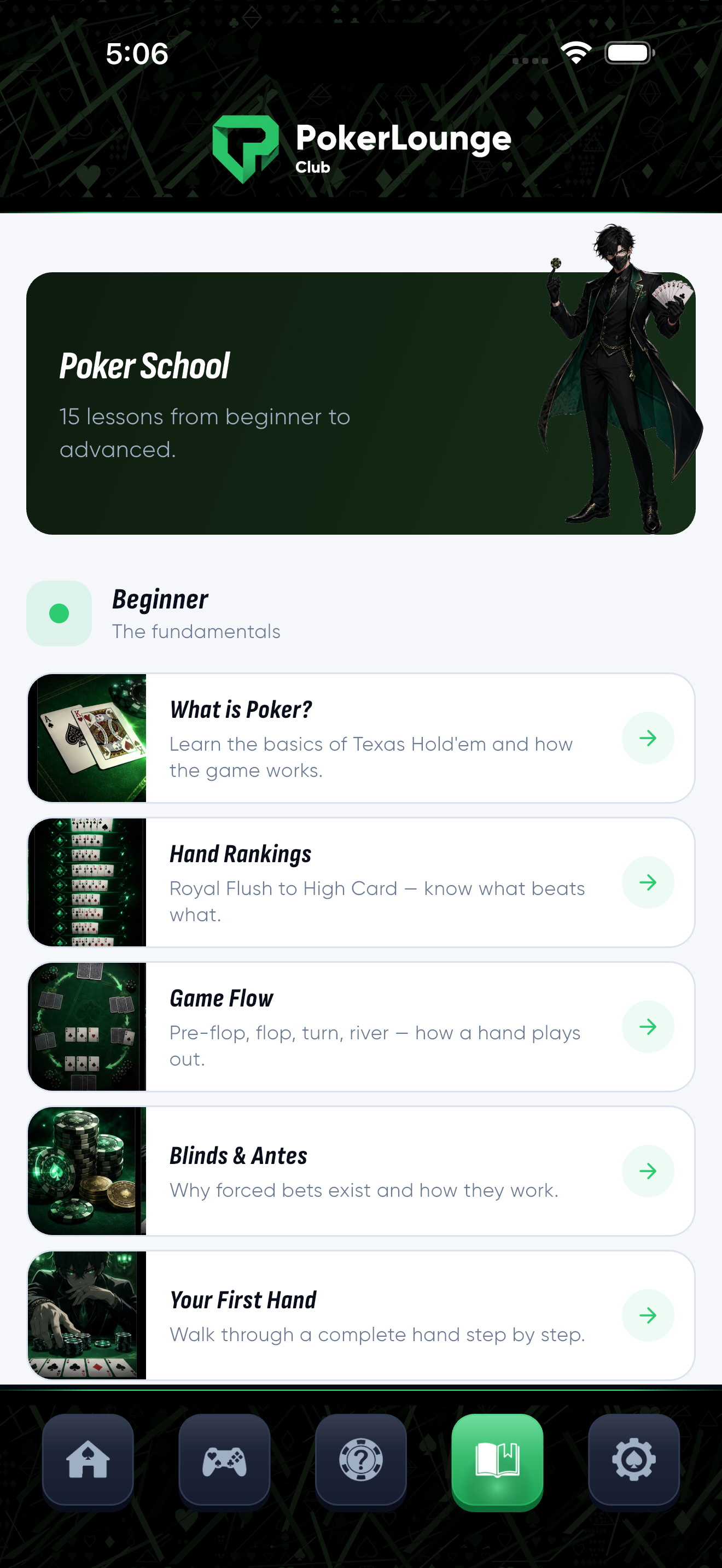
15 structured lessons from the basics to advanced strategy.
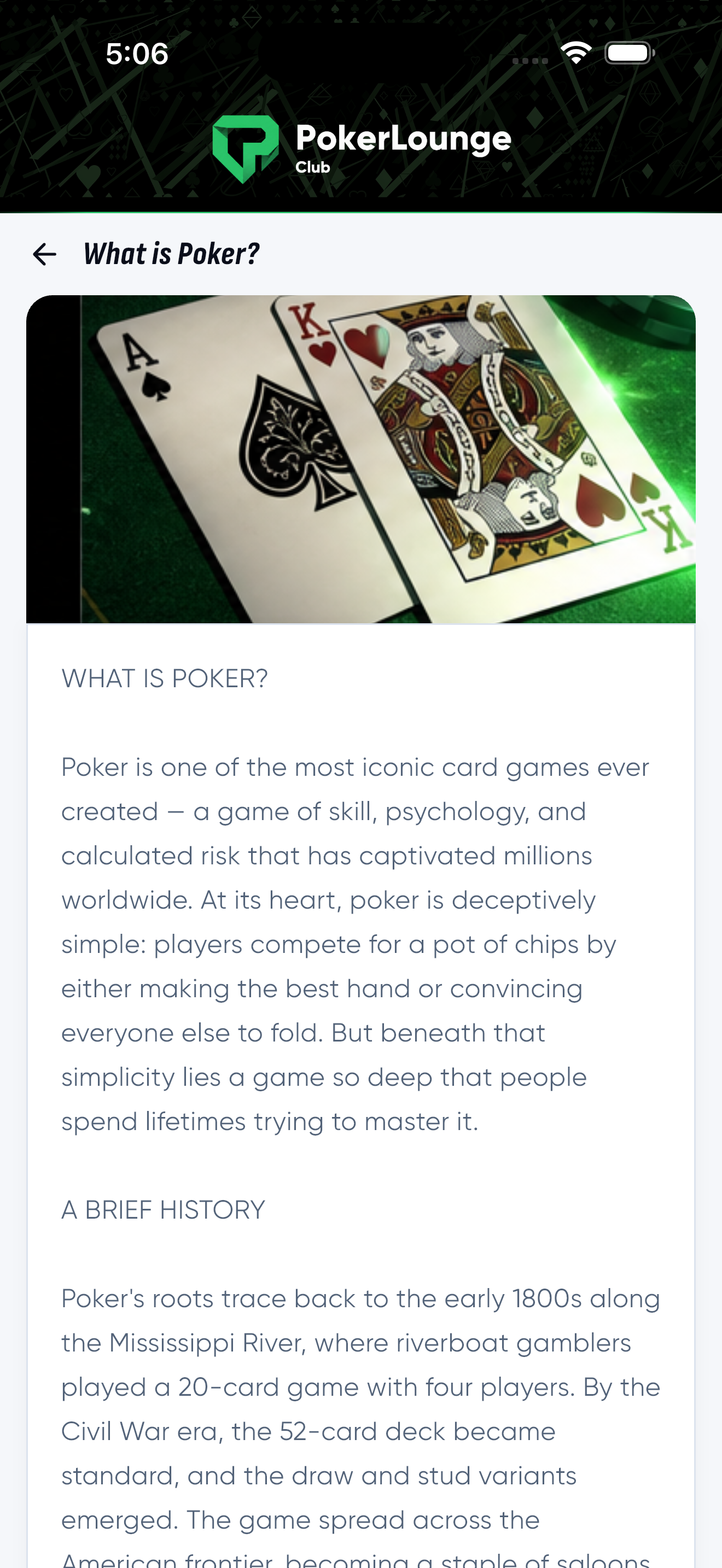
The Learn tab opens Poker School, a structured curriculum of 15 in-depth lessons. Each lesson includes written explanations, real examples, and illustrations. Lessons progress from absolute fundamentals to advanced concepts.
Start here if you are new to poker. These five lessons build your foundation:
What is Poker?
Basics of Texas Hold'em and how the game works.
Hand Rankings
Royal Flush to High Card -- know what beats what.
Game Flow
Pre-flop, flop, turn, river -- how a hand plays out.
Blinds and Antes
Why forced bets exist and how they work.
Your First Hand
Walk through a complete hand step by step.
Once you know the basics, these five lessons sharpen your strategic thinking:
Position
Why where you sit matters more than you think.
Starting Hands
Which hands to play and which to fold pre-flop.
Pot Odds
The math behind profitable calls and folds.
Bet Sizing
How much to bet and why it matters.
Reading the Board
Evaluate texture, draws, and potential threats.
These five lessons separate recreational players from serious students of the game:
Bluffing
When, why, and how to bluff effectively.
Hand Ranges
Think in ranges, not individual hands.
Expected Value (EV)
Make decisions that are profitable long-term.
Opponent Reading
Spot patterns, tells, and tendencies in your opponents.
Tournament Strategy
Adjust your play for tournament pressure and ICM.
Each lesson includes written content with real-world examples and illustrations. Tap any lesson title to open it. Read at your own pace -- all content is available offline.
Poker School with structured lessons
In-depth lesson content
The five tabs at the bottom of the app, left to right.
Home
Play
Quiz
Learn
Settings
Poker Lounge Club is coming soon to the App Store. Be the first to know when it launches.
Coming Soon on Apple Store